Data Visualization
Raw Data
To view the tomographic raw data we suggest to install Fiji and add the HDF plugin
Other options are hdfview or argos
To view the tomographic raw data we suggest to install Fiji and add the HDF plugin
Reconstructed Data
Dragonfly
After your data are reconstructed you can visualize using Dragonfly
Login at the beamline Linux machine and then type:
[usertxm@txmthree]$ cd /local/usertxm/software/dragonfly
[usertxm@txmthree]$ ./Dragonfly
Gallery
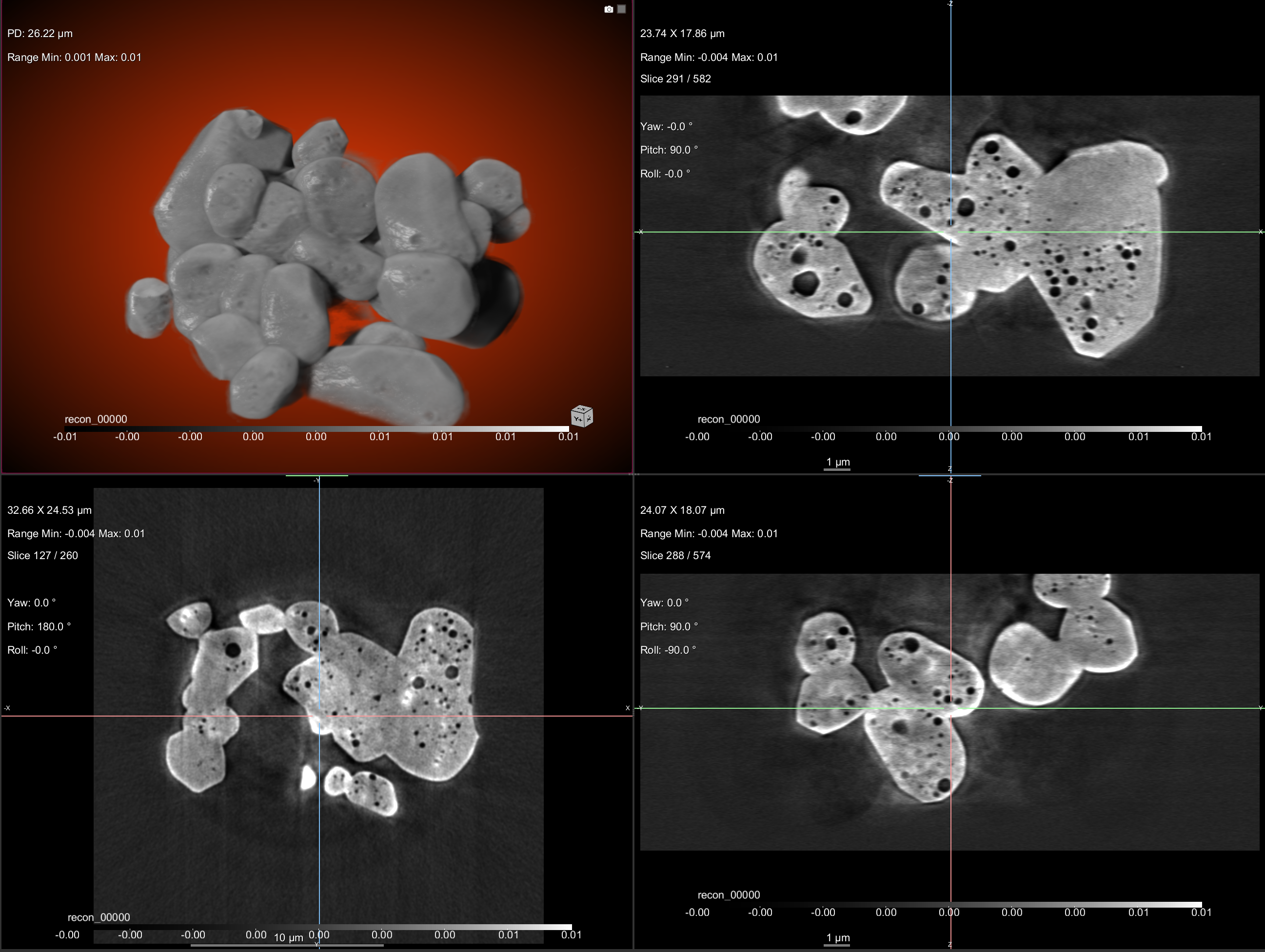
Below is a 3D rendering image gallery of recently measured samples using Dragonfly.
Sample/Description |
resolution(nm) |
Images |
|---|---|---|
50 |
|
Neuroglancer
To view the tomographic reconstructed data you can use the Neuroglancer server hosted by ALCF ALCF Neuroglancer.
The data link to be used in source has the following syntax:
zarr2:://globus+https://your-zarr-file-path.zarr
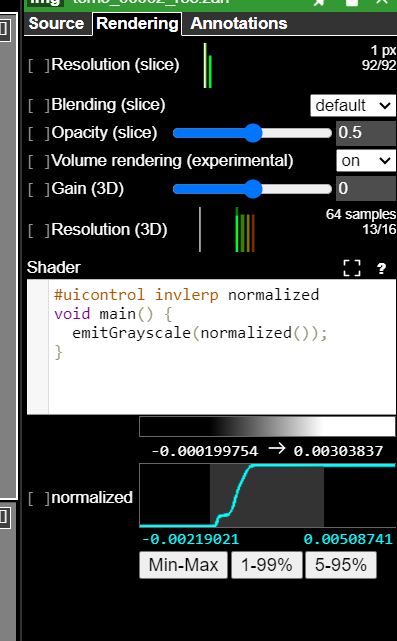
Neuroglancer data Visualization

To adjust the contrast, you can use the Palette on the top right